
Common Projeto Grau 2 problems and how to fix them
Game crashing, online lag, failed installations or no sound? Here are the fixes that solve most problems.
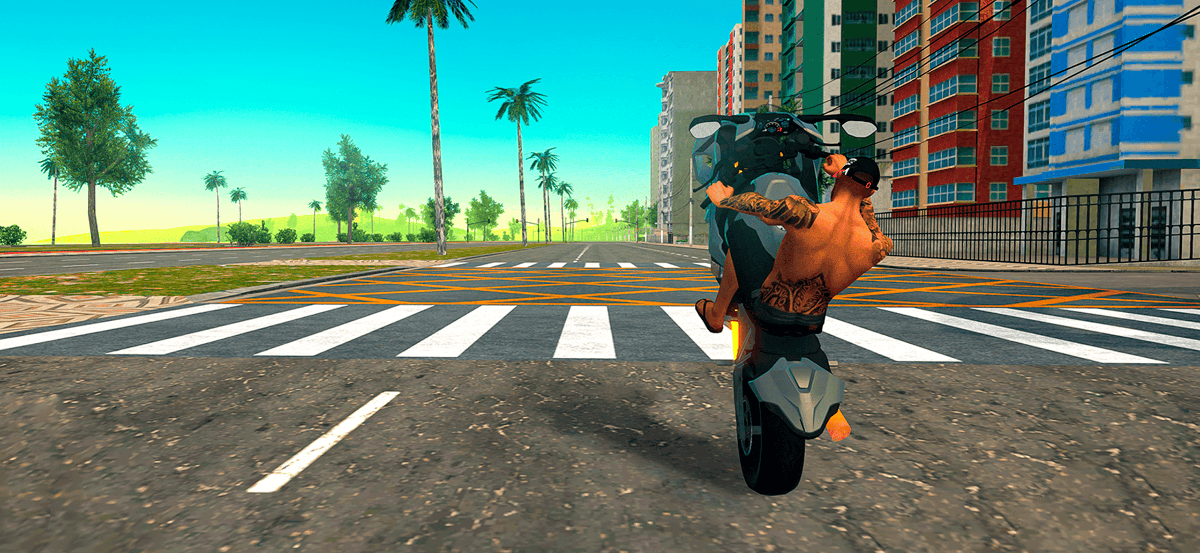
Most Projeto Grau 2 problems come from three causes: an incomplete file, low free storage and full memory. Before reinstalling everything, follow this order of checks.
The game closes by itself or freezes
- Close other background apps and restart the phone.
- Lower the graphics quality inside the game.
- Free up space: under 1 GB free often causes crashes while loading the map.
- Update Android and restart the device before opening the game again.
Lag and frame drops online
Connection lag and frame drops are different problems. If the bike teleports and other players freeze, it is the network. If the game stutters during your own stunts, it is device performance.
- Network: prefer 5 GHz Wi-Fi or stable 4G, and avoid playing while downloads run.
- Network: pick servers with the lowest latency in the list.
- Performance: close open apps, disable battery saver and reduce shadows and detail.
It will not install or shows a package error
- 1Confirm free storage (3 GB minimum).
- 2Delete the APK and download it again: an incomplete file is the most common cause.
- 3Uninstall any previous version with a different signature.
- 4Allow unknown sources only for the app used at that moment.
No sound
Check silent mode, media volume and whether a Bluetooth headset is connected to another device. On some phones, game audio only returns after restarting the app with the volume already up.
Lost progress
If you played without linking an account, progress stays only on the device. Reinstalling or clearing data wipes the garage. Whenever possible, link your account before changing phones or versions.
Controls not responding
Taps that do not register are usually a poor screen protector or full memory. Remove low-quality films, close background apps and test with the charger disconnected.
If nothing works
Note your device model, Android version and game version before contacting support. Those three details solve half of all tickets.
Already have the APK installed?
If you have not downloaded it yet, grab version 2.1.0.10 (≈ 694.3 MB) and follow the tutorial.
Questions about this topic
Short answers to the questions that show up in comments and game forums.
Keep reading
See all articles
How to install Projeto Grau 2 on Android (step by step)
A complete tutorial to install the Projeto Grau 2 APK on Android: requirements, the unknown sources permission, first launch and the most common errors.
Read article
How to make money fast in Projeto Grau 2
Which jobs pay best, how to pick the right deliveries and the order to invest in your bike so your in-game profit grows.
Read article
Projeto Grau 2: frequently asked questions answered
Free to play? Does it need internet? What Android version? The most common questions about the game, the APK and online mode, answered.
Read article